Care
Battery, lock switch and cleaning: keeping a board alive
An LCD writing tablet has very little that can go wrong. Most questions we receive come down to three parts: the battery, the lock and the surface.
The board erases weakly or not at all
First check the lock switch; a locked board ignores the erase button on purpose. If it is unlocked and the screen clears only faintly, the battery is at the end of its life.
Changing the battery
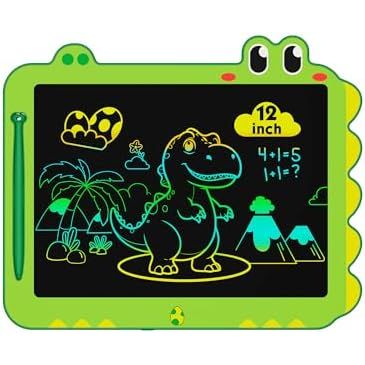
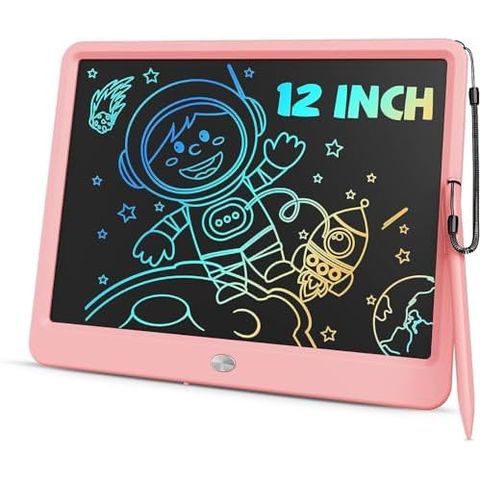
Our classic sizes use a small coin battery that lasts up to six months and is replaced by hand in a few seconds. The 12 inch learning whiteboard takes a replaceable 3V battery. Keep spare batteries away from small children.
Cleaning
Use a soft, dry cloth on the frame and the screen surface. The drawn lines are not ink and cannot be wiped off; only the button clears them.
The stylus
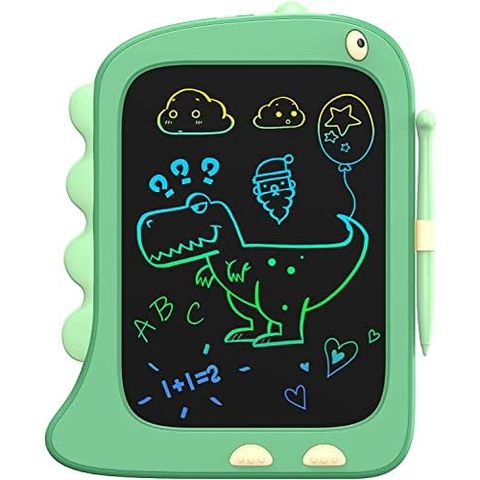
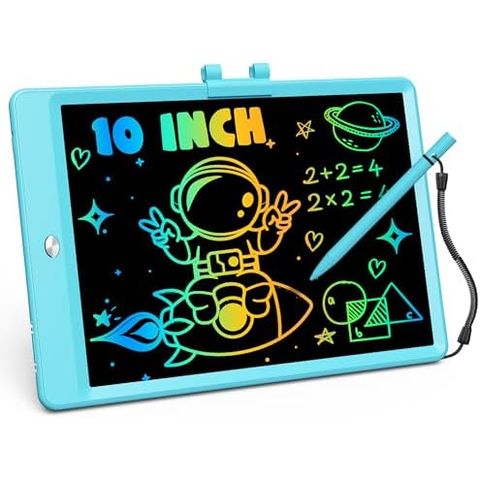
Any blunt, smooth tip will draw, including a fingernail, but the stylus that comes in the box gives the cleanest line. It stores on the side of the board.