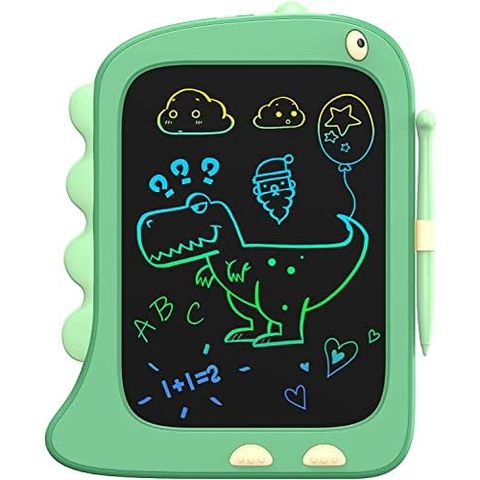
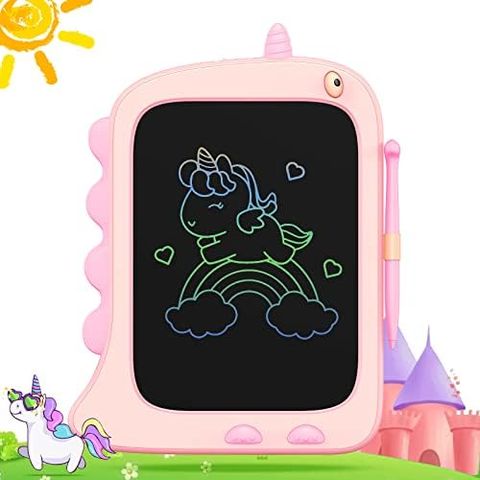
8.5 in screenGreen dinosaurStylus included
ORSEN 8.5 Inch Dinosaur LCD Doodle Board, GreenFirst scribbles, ages 2 to 6★★★★★4.6(14,300)$16.97$24.99

We make doodle boards for kids who are never finished drawing. A stylus, a dark screen that answers in color, and one button that hands back a clean page as many times as a child can ask for it.

Every board here does the same thing. They differ in how much room they give a drawing, and in who is holding the stylus.
Dinosaur & Unicorn Doodle BoardsBoards shaped like a dinosaur or a unicorn, in 8.5 and 12 inch sizes, for the youngest artists.5 boards →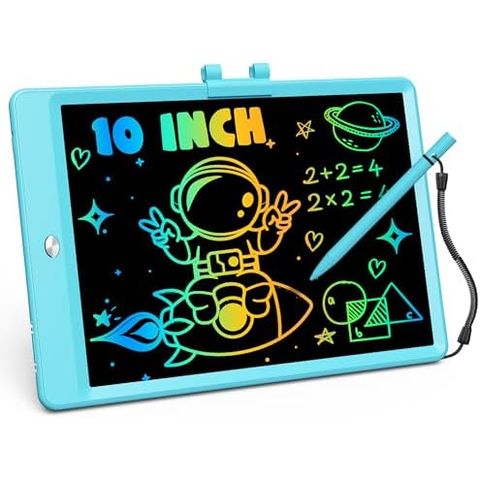 10 Inch LCD Writing TabletsOur classic: a 150 gram board in six frame colors, listed for kids from 3 to 8.6 boards →
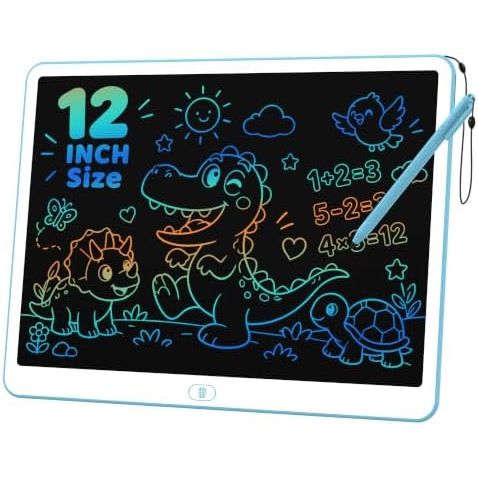 12 Inch LCD Writing TabletsA longer line for early writers, plus our learning whiteboard for sums and spelling.3 boards →
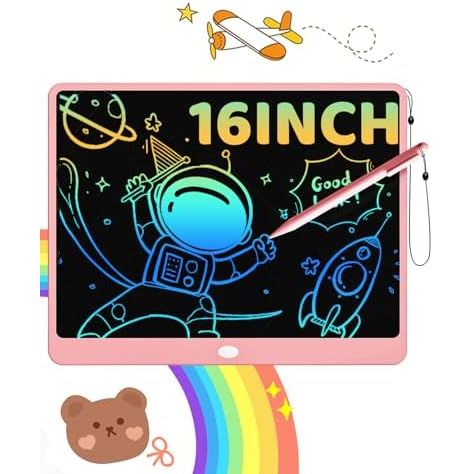 16 & 20 Inch LCD Writing TabletsOur large boards: 16 inches in four colors and one 20 inch screen for group drawing.5 boards →
Sorted by how many parents have left a rating. Tap a board for sizes, colors and what is in the box.
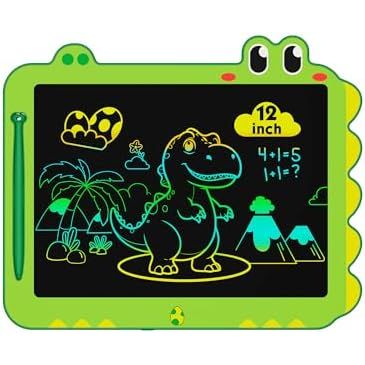
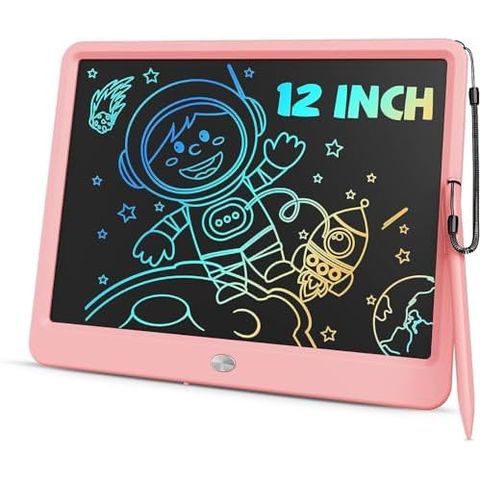
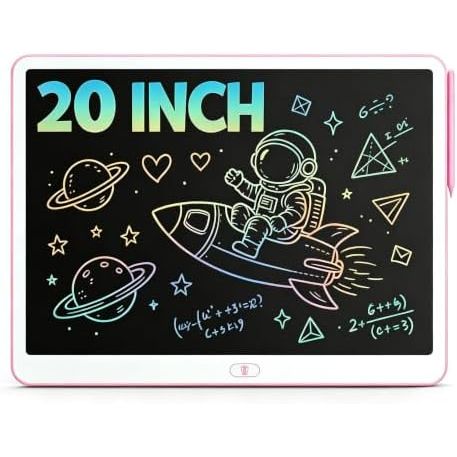
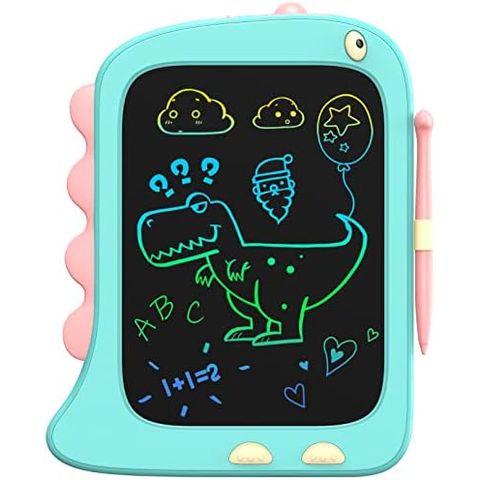
The five sizes we make, drawn to the same scale. The diagonal is the number in the name.
Four things we built into every ORSEN board, whatever its size or shape.
One press on the erase button and every line is gone at once. There is no partial rubbing out, which is exactly why kids trust it: a mistake costs nothing.
Slide the lock switch and the erase button goes quiet. The drawing survives the car ride home to be shown at dinner.
Lines appear where the stylus pushes the screen, thicker when you push harder. Nothing to sharpen, refill or scrub off a sleeve.
Each board runs on a small replaceable battery, up to six months on our classic sizes. No charger, no cable, no waiting.
Real reviews from buyers in the United States, copied as they were written.
Good to teach kids to draw and write. Easy to use. Nice size. Good price. Perfect for Christmas gifts or gifting.
Got this for my 7yo for his bday and he adores it! He is drawing everything in sight, writing messages to his siblings, and carrying it with him everywhere he goes! It’s lightweight and just the right size for him, erases easily, and is well worth the price. Some of his siblings have even asked to add it to their own bday wishlists!
Great little doodle board! It is perfect size for my toddler to draw/write on. It is very simple to use with the button on the top to erase, and there is even a button lock as well if you don’t want to accidentally erase what you wrote. It is mess free, and it keeps my little one entertained! Definitely worth the money!
My nephew loves his “tablet” and feels like a big kid - without a screen! Cute and durable and keeps him quiet for short periods of time.
Works great. The kids love it. I appreciate that the pen and holder already come attached (I don't have to do any set up).
I got this for my younger cousin for Christmas, and I was surprised at how well it worked for its cheap price. I even found myself playing around on it (and im well over the intended age range😭). You can make some fairly detailed drawings on it. The color is very cute.
Skip the brochure voice for a minute. If a friend asked us which board to buy for their child, this is the whole conversation: how to pick a size in two questions, what the board honestly will not do, what is inside the battery door, and the one switch to show the child on day one. Every fact below comes from our own listings and from what parents wrote in their reviews.
Not the age on the box, the place. A child who draws on a lap, in a stroller or in a car seat needs a board held in one hand: the 8.5 inch dinosaur or unicorn board, or the 10 inch classic at 150 grams. A child who sits at a table has room for 12 inches. A child who sprawls on the floor, or draws with a sibling, wants the 16 inch board at about 300 grams, or the 20 inch, which is closer to a small easel than a notepad. Measure the spot where the board will live: a 16 inch screen does not fit a seat-back pocket.
Younger children draw with the whole arm, so a two-year-old fills a 10 inch screen in ten seconds and presses erase for the fiftieth time before lunch. That is fine, that is the point, but if it bothers you, go one size up rather than down. The listed ages are a guide, not a rule: 8.5 inch character boards run 2 to 7, the 10 inch classic 2 to 8, the 12 inch 3 to 8, the 16 inch 3 to 12 and the 20 inch 3 to 8. For a toddler the two things that matter more than the age print are weight and a battery door they cannot open.
It erases the whole screen at once; there is no rubbing out one line. The lines are not ink, so a cloth does nothing and the button does everything. The color of a stroke depends on where on the screen it is drawn, not on a setting: parents describe bands that run from yellow through green to blue and back, so a child cannot pick red on purpose. The screen has no light of its own and is read like paper, so it is a daytime and lamp-light toy, not a bedtime one. And there is no memory or cable: the way to keep a drawing is to lock it, then photograph it.
Every board ships with its battery fitted, so it draws straight out of the wrapping. Our character boards use a CR2032 coin cell, the kind sold at any checkout, rated in the listing for up to six months. The 10, 12 and 16 inch classics also run up to six months and the cell is swapped by hand in a few seconds. The 12 inch learning whiteboard takes a replaceable 3V cell. The screen only draws power when you press erase, which is why a tiny battery lasts so long, and why a board that erases faintly needs a battery, not a repair. Parents of toddlers mention that the battery cover on the character boards is held by a screw; still, keep spares out of reach.
The screen answers to pressure from anything, not just the stylus: a key or a book pressing on it in a bag leaves marks, as one reviewer learned. Two habits fix this. Slide the lock on before the board goes into a bag, which also keeps the drawing safe from an elbow on the erase button. Then, before handing it over, unlock and press once. The stylus on our 10 inch and larger classics hangs on a lanyard and parks on the side of the frame; a fingernail draws in a pinch, but the stylus gives the cleanest line.
On a 10 inch screen two children take turns. From 12 inches there is room to split the board down the middle, and the 20 inch screen fits three artists on one picture. Many families with two kids simply buy two 10 inch classics in two colors and end the argument before it starts. As a gift: the character boards are the safe pick for ages 2 to 4 because the frame reads as a toy; the 10 inch classic is the one we would give any child from 3 to 8 without asking a single question; the 16 inch suits an 8 to 12 year old who will use it for sums, comics and game scores long after the drawing phase.
| If this is your child | Our pick | Why this one |
|---|---|---|
| A toddler of 2 or 3 who carries toys everywhere | 8.5 inch dinosaur or unicorn | The lightest board, a frame that looks like a toy, a battery door that stays shut. |
| A preschooler who draws every single day | 10 inch classic | 150 grams, six frame colors, the size we have made the longest and the one parents rate most. |
| A child learning letters and numbers | 12 inch classic or learning whiteboard | Room for a full row of large letters; the whiteboard was drawn up for spelling lists and sums. |
| Two kids who will both reach for it | 16 inch | Wide enough to split down the middle, and listed to age 12 so the older one keeps it. |
| A playroom corner or a classroom | 20 inch | Our largest screen: three children on one picture, more easel than notepad. |
| Long drives and restaurant waits | 10 inch classic, lock switched on | Fits a seat-back pocket, nothing to spill, and the lock keeps the picture until you are home. |
| Screen | Listed ages | Weight | Frames | From |
|---|---|---|---|---|
| 8.5 inch | 2 to 7 | not stated in the listing | Blue, Green, Pink | $16.97 |
| 10 inch | 2 to 8 | 150 g | Blue, Green, Orange, Pink, Purple, Yellow | $13.97 |
| 12 inch | 3 to 8 | about 150 g (classic) | Blue, Green, Pink | $13.99 |
| 16 inch | 3 to 12 | about 300 g | Blue, Green, Pink, Purple | $19.98 |
| 20 inch | 3 to 8 | not stated in the listing | Pink | $39.99 |
Still deciding? See every ORSEN board on one page, filter by size, color and price, and sort by what parents rate most.
Straight answers, including the four that come up most often in search.
They suit children who draw often and erase often. A board replaces a pile of paper and a box of markers with one stylus and one button, and it works in places where art supplies do not, like a car seat or a restaurant table.
The one that fits how your child draws. For most kids aged 3 to 8 we point to our 10 inch classic; for toddlers, an 8.5 inch dinosaur or unicorn board; for big, shared drawings, a 16 inch tablet.
If a child goes through paper quickly, yes. Our classic 10 inch board is reusable every day and its battery runs for up to six months before a simple swap.
A wider screen helps. Our 12 inch tablets leave room for a full row of large letters, and the 12 inch learning whiteboard was designed for spelling words and sums.
No. There is no cable and no charging port. Each board runs on a small replaceable battery.
The lines are not ink, so a cloth will not remove them. Press the erase button to clear the screen; use a soft dry cloth only for fingerprints on the frame and surface.
Short reads on choosing a size, keeping a board alive and what to play on it.

We are ORSEN. We make LCD writing tablets and doodle boards that let a child draw the same idea forty times until it is right.